CVWiser blog
Teal AI Resume Builder: Fit, Gaps, and Best Use Cases
Comparing Teal AI Resume Builder? See where it shines for keyword targeting, where AI builders break, how to judge ATS scores, and a per-job workflow with tracking + exports.
Comparing Teal AI Resume Builder? Where it shines, where it breaks, how to judge ATS scoring, and the best per-job workflow with tracking + exports.
If you are comparing teal ai resume builder, it is a strong pick for fast keyword targeting and job-specific tailoring, but it is not the whole system most active job seekers actually need. This guide breaks down what Teal does well, where AI builders typically fail (versions, consistency, exports, tracking), how to sanity-check ATS match scoring, and what an end-to-end per-job “application package” workflow looks like.
What does teal ai resume builder do well for tailoring and keywords?
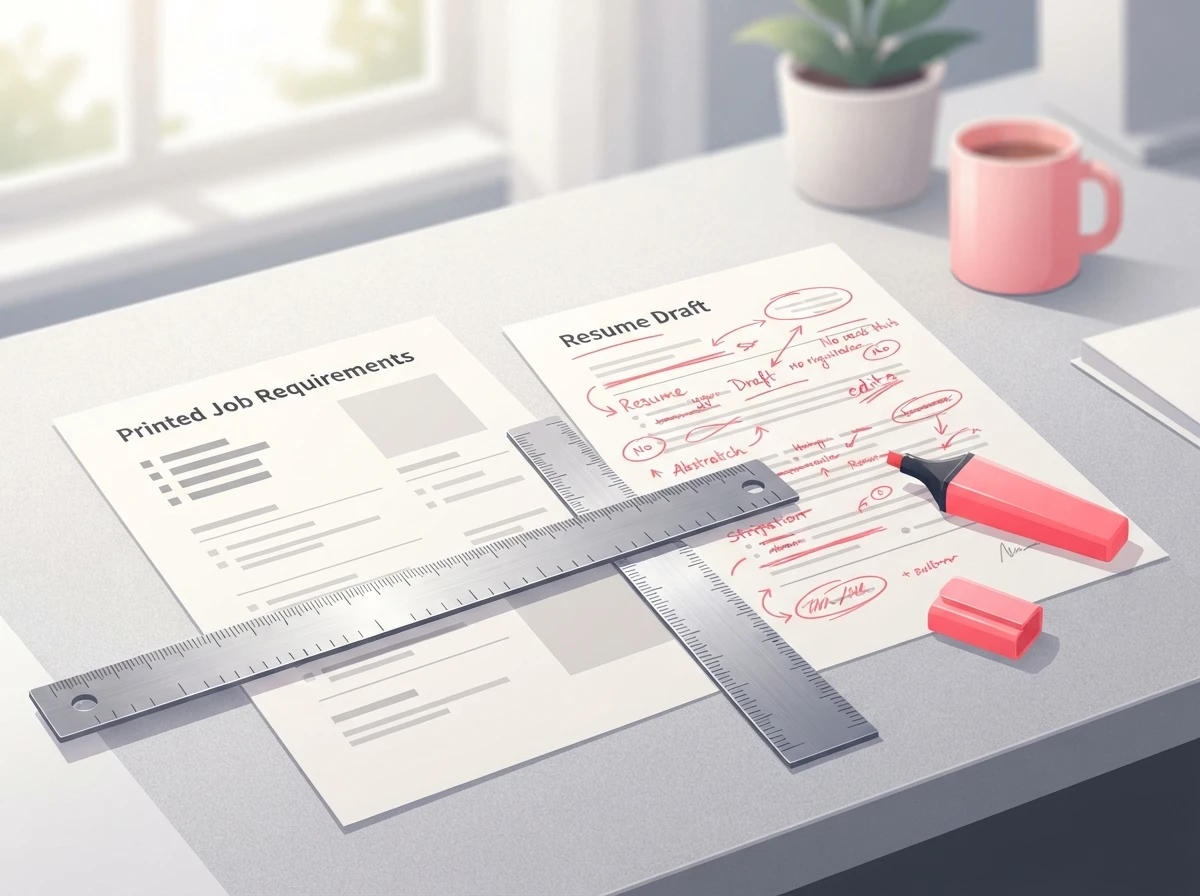
teal ai resume builder does one thing consistently well: it helps you move from a generic resume to a job-aligned version quickly by extracting role signals from the job description and turning them into concrete edits.
In practice, that means three high-leverage capabilities:
First, job description parsing. The tool pushes you to look at the posting like an ATS would: repeated skills, required tools, seniority cues, and domain language. When you are applying at volume, this matters because humans get lazy. We start “pattern matching” and miss obvious requirements that show up three times in the posting.
Second, keyword targeting that is anchored to your real experience. The best resume outcomes happen when the tool nudges you to reframe bullets using the employer’s vocabulary without inventing accomplishments. That is the line you cannot cross. If you want a reference point for how ATS systems actually interpret resumes, Google’s own documentation on structured data and parsing is not about resumes, but it is a useful mental model: machines reward consistent, explicit signals and punish ambiguity (how Google explains parsing and structured signals).
Third, speed-to-first-draft. If you are applying to 15-40 roles, you do not need perfect prose on draft one. You need a solid, job-aligned baseline you can correct in minutes.
Where Teal is especially useful is for candidates who already have decent raw material (a solid master resume) and mainly need help translating it into the language of each posting.
Where do AI builders break (consistency, versions, exports, tracking)?
AI resume builders rarely fail because the writing is “bad.” They fail because the workflow around the documents breaks.
Here are the real-world breakpoints I see repeatedly:
Consistency breaks between CV and cover letter. You change a headline, role title, or metric in one document and forget to update the other. Recruiters notice. ATS systems can also flag inconsistencies when your application is reviewed side-by-side. This is exactly why a CV-letter consistency check is not a “nice to have” once you apply to more than a handful of roles. If you have never audited this, start with a simple framework like CVWiser’s explanation of a CV and cover letter consistency check and replicate the checklist in your own process.
Version control breaks. You end up with “Resume-Final-Final-2.pdf” chaos. Then you upload the wrong version to the right job, or the right version to the wrong job. That is not hypothetical. I have watched candidates do it in real time under deadline pressure.
Exports break at the last mile. A tool can generate good content but still cost you interviews if the export is messy. The two formats that matter are PDF and DOCX. Some employers still require DOCX for internal systems, and some ATS pipelines parse DOCX more cleanly than PDF depending on how the PDF was produced. If you want the authoritative baseline on file handling and ATS behavior, Jobscan has a practical overview of ATS-friendly resume formatting that aligns with what we see across systems.
Tracking breaks, so follow-ups disappear. This is the silent killer. People search for everything from an “application tracker” to specific systems like “lsac application status tracker” (law school applicants) or “university of minnesota application tracker” and “penn state application tracker” (admissions pipelines) because the core problem is universal: you cannot manage outcomes you cannot see.
Job seekers recreate this with spreadsheets, which is fine until you hit 20-30 applications. Then you miss follow-ups, forget who you spoke to, or lose the exact resume version you sent.
If you are currently running an application tracker google sheets setup, keep it, but recognize the ceiling: Sheets does not inherently enforce per-job document pairing, remind you to follow up, or warn you when your documents drift out of sync.
How to judge ATS match scoring accuracy and actionable breakdowns?

An ATS match score is useful only if it answers two questions: “What is missing?” and “What should I change first?” A single percentage without a breakdown is basically a dopamine meter.
A practical way to evaluate any match scoring (including teal ai resume builder and alternatives) is to test it against the same job description with controlled inputs.
Use this quick audit:
| What to check | What “good” looks like | Red flag |
|---|---|---|
| Keyword extraction | Pulls both hard skills (tools, methods) and role outcomes (deliverables) | Only highlights buzzwords and ignores deliverables |
| Missing keywords | Shows what is missing and where it should appear (skills vs bullets) | Just says “add keywords” with no placement guidance |
| Seniority signals | Recognizes leadership, scope, and ownership terms | Treats junior and senior postings the same |
| False positives | Does not reward irrelevant keywords you already have | Inflates score because you have generic terms like “teamwork” |
| Actionability | Suggests edits tied to your experience | Suggests claims you cannot back up |
Two reality checks I always recommend:
-
Manually validate the top 10 requirements from the posting. If the score says you match but you cannot point to where each requirement is evidenced in your resume, the score is lying (or you are letting it be lazy).
-
Watch for “keyword stuffing” incentives. The best tools do not push you to paste a skill list into the footer. They push you to embed skills inside achievement bullets with proof.
If you are comparing scoring models across tools, it helps to understand the broader ATS landscape. A good non-vendor overview is Harvard Business Review’s discussion of how automated hiring filters shape candidate selection. The point is not to fear ATS. It is to build documents that are explicit, consistent, and evidence-based.
For a deeper map of what features actually matter in ATS-focused tooling, CVWiser’s breakdown of the best ATS resume tools and what they get right is a solid comparison lens.
What a per-job “application package” workflow looks like end to end
A per-job workflow is the difference between “I applied to 80 jobs” and “I can tell you exactly what I sent, when I followed up, and what to improve.”
Here is the workflow I recommend when speed matters but you still care about quality:
| Stage | Output | Failure it prevents |
|---|---|---|
| Import job + capture snapshot | Job description stored with date | Job post changes and you lose the original requirements |
| Tailor CV to the posting | Role-specific resume version | Generic resume that misses required keywords |
| Generate a matching cover letter | Letter aligned to the same claims | Resume-letter mismatch that triggers recruiter doubt |
| Run a consistency pass | Titles, dates, metrics match across docs | “Which story is true?” confusion |
| Check “trust diff” or change log | What changed since generation time | Untracked edits that introduce errors |
| Export PDF + DOCX | Correct formats ready to upload | Formatting or parsing failures at upload |
| Log the application + set reminders | Status, contact, follow-up date | Missed follow-ups and lost threads |
This is where most AI resume builders stop short: they help you generate documents, but they do not enforce the package. They also do not protect you from drift after you start editing.
CVWiser’s approach is built around a single per-job workspace: CV + cover letter together, an ATS match score, a consistency check, and a “trust diff” against the profile snapshot at generation time, tied to a dashboard for follow-ups and reminders. If you want to see what that looks like in practice, the CVWiser package editor for per-job CV and cover letters shows the workflow end to end.
One more candid point: the “right” workflow depends on your role. If you are doing investment banking application tracker style recruiting, the volume is high and timelines are compressed, so tracking and version discipline matter even more. If you are doing a perm application tracker style process (people searching that phrase are typically dealing with compliance-heavy, long-cycle applications), you need meticulous documentation and dates. Different context, same operational need: you cannot wing it.
If your current strategy is “apply to everything and hope,” fix that first. Volume without control is just noise. The best explanation I have seen for why this fails is the simple math of time-per-application and feedback loops, which we covered in quality vs quantity job applications. It is not about applying less. It is about applying with a system.
When teal ai resume builder is the right fit (and what to pair it with if it isn’t)
teal ai resume builder is a good fit if you want faster tailoring, clearer keyword alignment, and a structured way to turn job descriptions into resume edits. It is especially effective when you already have strong experience and just need to present it in the employer’s language.
You should consider pairing it with another tool or workflow layer when any of these are true: you are applying to many roles per week, you keep multiple versions in flight, you need both PDF and DOCX exports reliably, or you have been burned by missed follow-ups.
That pairing does not have to be fancy. For some candidates, a disciplined spreadsheet plus calendar reminders is enough. For others, the better move is an integrated “application package” system that keeps the CV and cover letter consistent, tracks changes, and ties every submission to a status and follow-up date.
If you want to pressure-test your current setup, start by mapping your last 10 applications: can you pull the exact resume and cover letter you sent, the ATS score you saw, the date you applied, and the follow-up you planned? If not, your bottleneck is not writing. It is operations.
Frequently Asked Questions
Is there an app to track job applications?
Yes. A job application tracker app stores each job, status, contact, and follow-up date so you do not rely on memory or scattered notes. The best ones also tie the exact CV and cover letter versions to each application.
How do you track your applications?
Track applications by logging the job link, date applied, resume version, cover letter version, status, and next action (follow-up date). If you use a spreadsheet, add a reminder system or you will still miss follow-ups.
What is a job description scanner for keywords?
It is a tool that extracts repeated skills, tools, and requirements from a job posting so you can mirror that language in your resume and cover letter. The key is using those keywords inside evidence-based bullets, not dumping them into a list.
What are the 4 types of keywords?
For resumes, I group keywords into tools/tech (Excel, SQL), functional skills (forecasting, stakeholder management), domain terms (healthcare claims, SaaS retention), and outcomes (reduced cycle time, increased conversion). Good ATS scoring should recognize all four.
If you want a cleaner per-job workflow than “generate docs and hope,” CVWiser is built for exactly that: one application package per posting, ATS match scoring with breakdowns, consistency checks, trust diff, exports, and a tracking dashboard with reminders. Take a look, or reach out with your workflow and constraints via CVWiser contact and we will point you to the most practical setup for your search. Direct comparison: Teal vs CVWiser. For another tracker-first competitor, see Huntr vs CVWiser.