CVWiser blog
Application Tracker for U of M: What to Use Instead
Looking for an application tracker for U of M (UMich or UMN)? Compare portals, Sheets, and dashboards—and keep statuses, follow-ups, and tailored CVs in one place.
Looking for an application tracker for U of M? Track statuses, follow-ups, and tailored CV + cover letters without chaos—across UMich, UMN, and beyond.
If you’re searching for application tracker u of m, you’re usually not looking for a single magic portal. You’re looking for a dependable way to track multiple applications (often across UMich, UMN, and external employers), keep follow-ups from slipping, and tailor a CV + cover letter per posting without duplicating work. This guide breaks down what “U of M tracking” really is, what to use instead, and the workflow that still holds up after 20+ applications.
What does “application tracker u of m” usually mean in practice?
An application tracker in the “u of m” context usually means one of two things: a university admissions or HR portal status page, or a personal system you build to manage your job search.
Here’s the friction I see constantly with University of Michigan and University of Minnesota job seekers: the portal tells you what the institution wants to tell you (received, under review, decision), but it does not run your search. It doesn’t remind you to follow up, it doesn’t capture the version of your documents you actually submitted, and it doesn’t help you tailor the next application faster.
A University of Minnesota application tracker (including what people mean by the u of m twin cities application tracker) typically behaves like a status indicator, not a workflow manager. It answers “what stage is my application in their system?” not “what should I do next, and what did I send last time?”
Same story with University of Michigan: the portal is useful for official timestamps and requirements, but it’s not designed for multi-application momentum. If you’re applying to 10 roles, you can brute-force it. If you’re applying to 40, you need your own system.
A good rule: treat the portal as the system of record for the employer, and your personal tracker as the system of record for you.
For what it’s worth, this aligns with how most recruiting pipelines are structured internally: applicants move through defined stages, but the “real” work lives in notes, reminders, screening criteria, and document versions. If you want a quick primer on how ATS parsing and stage logic works, Google’s own documentation on structured hiring data is a helpful mental model even outside SEO contexts because it shows how systems standardize job data and statuses: Google’s guidance on job posting structured data.
Which tracking options work best for high-volume applicants?

The best application tracker depends on volume and how much tailoring you do per role. High-volume applicants fail for predictable reasons: they lose the job description, reuse the wrong resume version, forget follow-ups, or can’t remember which recruiter said what.
Below is the honest comparison I use when advising job seekers who are applying across portals plus external employers.
| Option | What it’s good at | Where it breaks | Best for |
|---|---|---|---|
| University portal status page | Official status updates, required uploads | No reminders, no cross-employer view, no per-job version control | 1-5 applications inside one institution |
| Notes app | Fast capture of links and thoughts | No pipeline stages, no reminders, hard to search later | Early exploration phase |
| Application tracker Google Sheets | Custom fields, sorting, basic filtering | Manual upkeep, weak reminders, document/version chaos | 10-25 applications if you’re disciplined |
| Project tool (Kanban) | Visual stages, due dates | Attachments and “what did I submit” gets messy | People who like boards and checklists |
| Dedicated dashboard tracker | Status stages + reminders + per-job artifacts | Requires setup discipline | 20+ applications with active follow-ups |
If you want to stay lightweight, a spreadsheet can work. If you’re doing high volume, spreadsheets usually fail at the same point: you start attaching links to “Resume_Final_v7.pdf” and you can’t prove which version went to which role.
This is also where mobile matters. If you’re relying on an application tracker mobile workflow, you need two things: quick capture (job link + company + deadline in under 30 seconds) and reminders that actually fire. A lot of people try to solve this with an application phone tracker style setup (calendar + notes + screenshots). It’s fast, but it’s fragile. Screenshots can’t be searched well, and reminders don’t carry context like “follow up with hiring manager after 7 business days.”
If you’re applying to roles that require separate ecosystems, you’ll see the same pattern. For example, people searching law hub application tracker often just want an “application status tracker” view. That’s fine for a single pipeline, but it’s not a job search operating system. Your personal tracker still needs to exist.
How to pair tracking with ATS match scoring and keyword targeting?
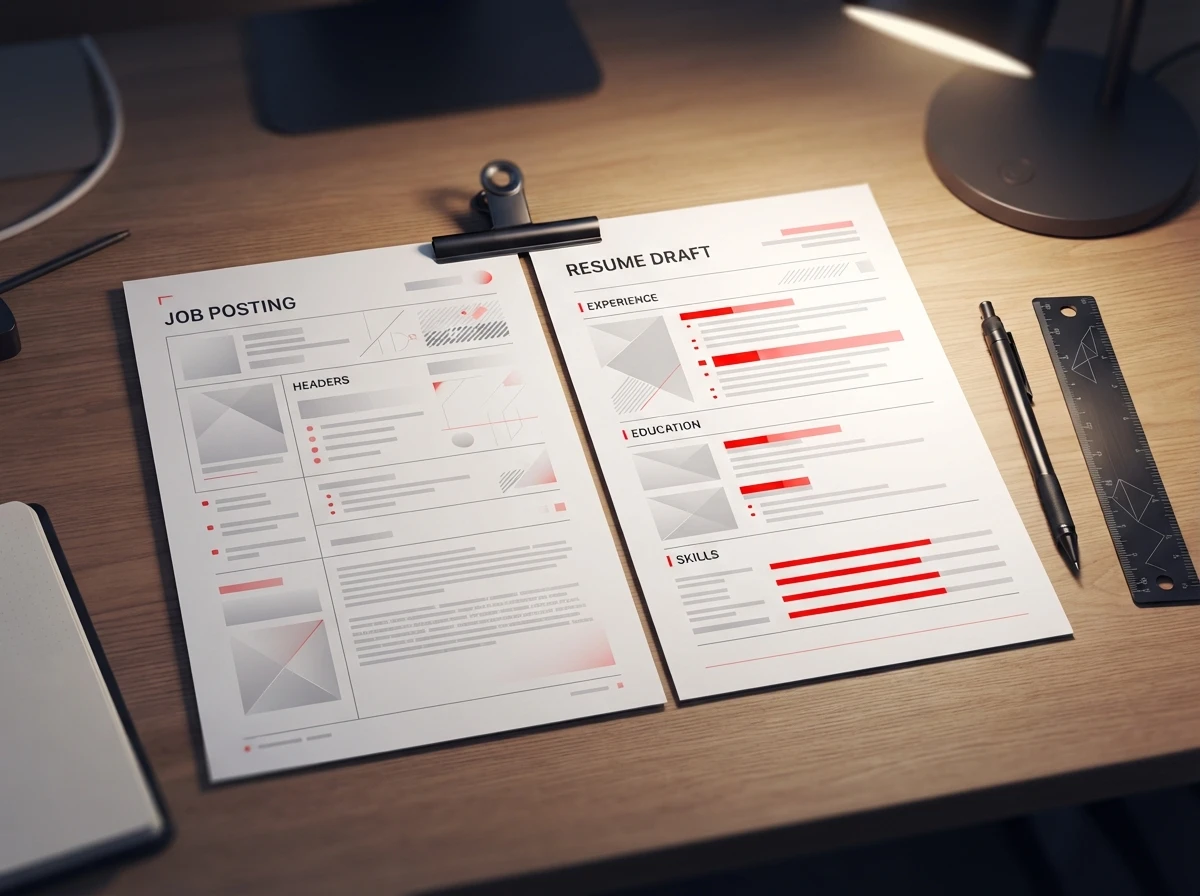
Pairing tracking with ATS match scoring is not a “nice to have.” It’s how you stop wasting applications.
Here’s the practical definition: ATS match scoring is a structured way to compare your CV content to a specific job description so you can see what’s missing before you submit. The key is that the score is only useful if it’s tied to the exact job and the exact document versions you send.
If you’re tailoring at all, your tracker should store these items per application:
- The job description snapshot (copied text or saved file)
- The target keywords and required skills you’re addressing
- The CV version submitted
- The cover letter version submitted
- The ATS match score or notes on gaps
- A reminder date for follow-up
- The current status stage (applied, screening, interview, rejected, offer)
That’s the minimum viable “per-role package.” Without it, you can’t learn from outcomes because you don’t know what changed between applications.
A workflow that actually works (and why most people skip one step)
Most job seekers do some version of: tailor resume, write cover letter, submit, move on. The missing step is capturing what you submitted in a way you can reuse and audit later.
Order matters here:
- Save the job description text before you apply (postings get edited or removed).
- Tailor your CV and cover letter to that exact text.
- Record the submission with the final exported files attached.
- Set the follow-up reminder the same day you apply.
That third step is what prevents the “wrong resume sent” problem. It also prevents CV and cover letter contradictions, which happen more than people admit. If you want to see what that mismatch looks like in the real world (and how it gets spotted), the breakdown in how a CV-cover letter consistency check catches contradictions is worth reading before you send another “tailored” package.
On keyword targeting: don’t chase a perfect score. Chase coverage of the non-negotiables. I like to separate keywords into “must-have requirements” vs “nice-to-have signals,” then make sure the must-haves appear in the experience section (not just a skills list). This aligns with how many ATS systems parse and weight content. For a grounded overview of how ATS parsing works and why formatting and placement matter, Jobscan’s research-based explanations are solid: how ATS systems scan resumes.
If you’re using an ai cover letter generator or a i letter generator, treat it as a drafting engine, not a truth engine. The best use is: feed it the job description + your real achievements, then force specificity (tools, metrics, scope). The worst use is: generic enthusiasm paragraphs that don’t match your CV. If you want a practical, non-hype framework for doing this well, a step-by-step AI cover letter generator guide lays out prompts and guardrails that keep the letter consistent with the resume.
When should you move from a spreadsheet to a dashboard?
Move when the spreadsheet becomes a second job.
The tipping point is usually one of these triggers:
- You have more than 20 active applications and follow-ups are slipping.
- You’re tailoring documents per role and can’t reliably match “submitted version” to “job.”
- You’re applying across multiple systems (university portals + external ATS + email referrals).
- You’re starting interviews and need a clean timeline of what you said, sent, and promised.
A spreadsheet can track columns like company, role, link, date applied, status. It struggles with “artifacts”: the job description snapshot, the exact PDF/DOCX files you submitted, and the reminder logic that makes follow-ups effortless.
A dashboard earns its keep when it gives you three capabilities a spreadsheet won’t:
First, a consistent status pipeline with reminders. “Under review” is not a status you control. “Follow up scheduled for next Tuesday” is.
Second, per-role document versioning. If you export both PDF and DOCX, you want them tied to the same application record. Otherwise you end up with orphan files in a downloads folder.
Third, auditability. This matters more than people think. If you generate a package and later edit your profile, you need a way to see what changed. That’s the difference between “I think I applied with X” and “I applied with X, and here’s the snapshot.” In CVWiser we call this a trust diff: a comparison against the profile snapshot at generate time, so you can spot drift.
This is also where “quality vs quantity” becomes real. High volume only works if your system prevents repeated mistakes and helps you learn quickly. Otherwise you’re just submitting more of the same. The framework in quality vs quantity job applications: a practical decision rule is the cleanest way I know to decide when to slow down and tailor harder.
A dependable tracking workflow for UMich and UMN applicants (without breaking after 20 apps)
If you want something you can run for an entire hiring season, build your workflow around one unit: a per-job “application package.”
That package should contain the tailored CV, tailored cover letter, job description snapshot, ATS notes, and follow-up schedule. When you do that, it stops mattering whether the employer uses a university portal, Workday, Greenhouse, or email. Your tracker stays consistent.
Here’s what I recommend if you’re applying to UMich, UMN, and beyond:
Use the portal to confirm submission and watch official status changes. Then immediately log the application in your personal tracker with (a) the role link, (b) the date applied, (c) the exact documents submitted, and (d) a follow-up date. If you get an interview invite, add the invite email subject line and any prep notes to the same record so it doesn’t get buried.
If you want that “package per job” approach without manually stitching files and reminders together, CVWiser is built for it: one workspace per role with CV + cover letter, ATS match scoring, a full ATS breakdown, a CV-letter consistency check, exports, and a tracking dashboard with follow-up alerts. You can start from the package editor for a fresh application workspace or, if you have edge cases (research roles, internal transfers, multiple portals), reach out to our team and we’ll tell you bluntly whether the workflow fits your search.
Frequently Asked Questions
How do you track your applications?
Track each application as a record with a status stage, date applied, job link, and follow-up date. The critical upgrade is attaching the exact CV and cover letter versions you submitted so you can audit outcomes later.
Is there an app to track job applications?
Yes, but pick one that supports reminders and per-job attachments, not just a list of companies. If you tailor documents per role, the app should store the job description snapshot and the files you submitted.
How do I track my application status?
Use the employer portal for official status, then mirror it in your personal tracker using your own stages (applied, follow-up due, screening, interview). That way you control next actions even when the portal is vague.
How to check application status?
For UMich or UMN roles, check the institution’s portal for updates, then log the date you checked and what changed. If nothing changed after 7-10 business days, schedule a follow-up and record who you contacted. Timing and copy templates: when to follow up after applying.
What is a job description scanner for keywords?
It’s a tool that compares your resume text to a job posting to highlight missing terms and requirements. The best ones also show where keywords appear (or don’t) in your experience section, not just in a skills list.
If your search for an “application tracker u of m” is really a search for a workflow that survives a serious job hunt, aim for a system that ties together statuses, reminders, and the exact CV + cover letter you sent for each role. That’s how you stop losing follow-ups, stop resubmitting mismatched documents, and start improving your hit rate with every application. If you are comparing Kanban trackers with autofill to a package-first system, Huntr vs CVWiser lays out the tradeoff.