CVWiser blog
Eligibility Check Before You Apply: Why Match Score Is Not Enough
A high skills match can still fail on location, visa, language, timezone, or years of experience. CVWiser’s eligibility warnings flag possible conflicts: advisory only, separate from ATS match, never blocking generate.
You capture a role. The match score looks strong. Then you notice the posting says “must be based in Berlin,” “no visa sponsorship,” or “fluent German required.” Skills fit is not the whole gate. Hard eligibility requirements sit next to the JD’s skills list, and they are easy to miss when you are scanning for keywords. Use a timed scan before you tailor (how to scan a job posting in 2 minutes).
CVWiser now runs an eligibility check alongside match preview. It compares the posting’s hard requirements to what you saved on your profile. Warnings are advisory, shown above your skills match score, and they never block package generation. This post explains what it checks, what it does not claim, and how to use it without confusing it for immigration advice or a second ATS score.
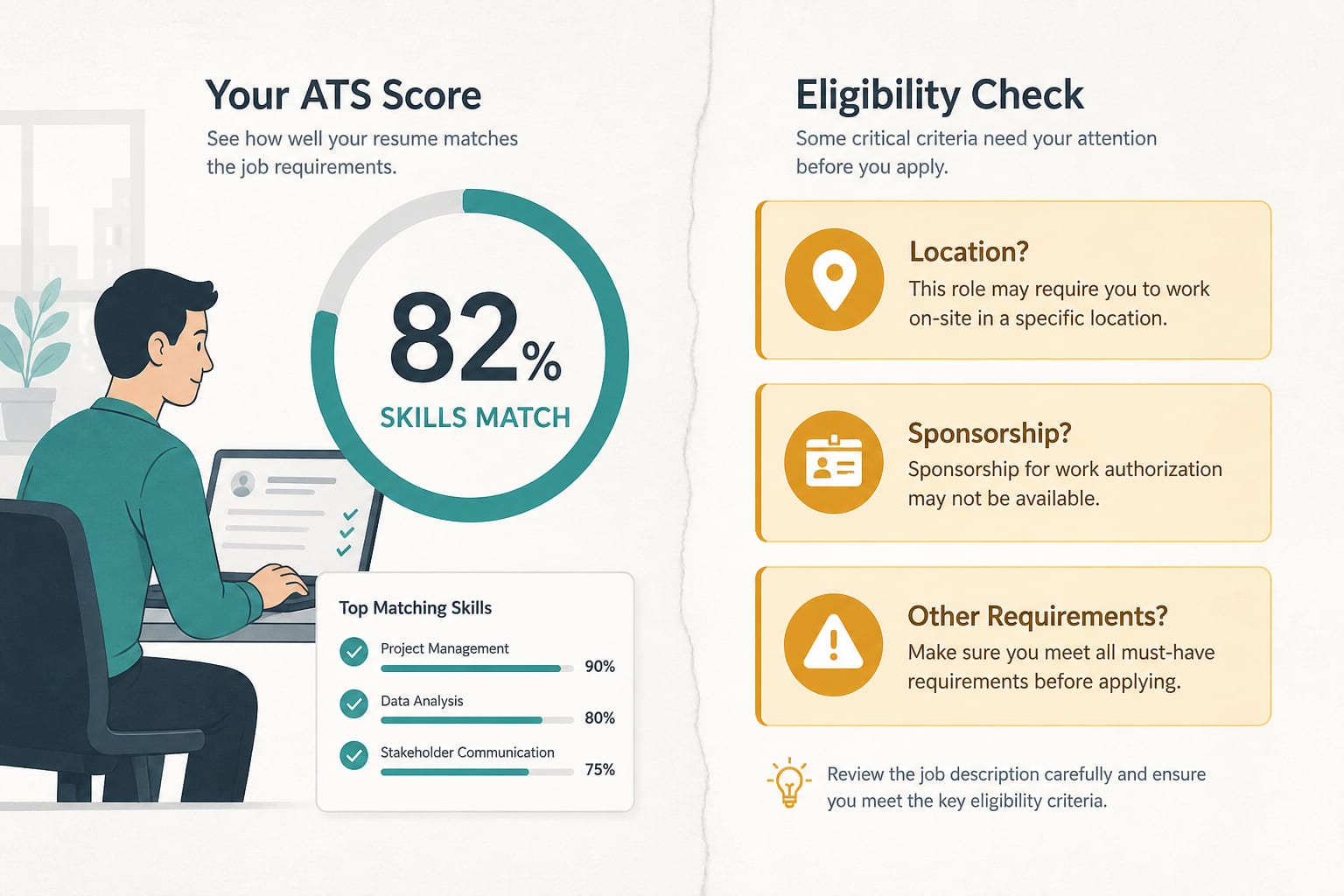
Match score answers one question. Eligibility answers another.
ATS match in CVWiser is a skills and semantic signal against the job description. It does not fold location, visa, language, timezone, or years of experience into match_percentage. That is intentional. A strong keyword fit can still be a bad apply if you cannot meet a residency or sponsorship line (keyword stuffing vs real match).
Eligibility is the sibling check:
| Dimension | Match score | Eligibility warnings |
|---|---|---|
| Skills / keywords | Yes | Avoids duplicating this |
| Location / residency / remote | No | Yes, when the JD states it |
| Work authorization / sponsorship | No | Yes |
| Languages | Profile languages exist but match does not use them | Yes |
| Timezone overlap | No | Yes |
| Minimum years of experience | No | Yes (from profile dates / stated YOE) |
Keep them visually and logically separate. Do not treat one amber warning as “your match is wrong.” Do not treat a high match as “you are cleared to work there.”
What CVWiser checks (and what you must fill in)
Checks only run usefully when your profile has the related fields. Fill what applies:
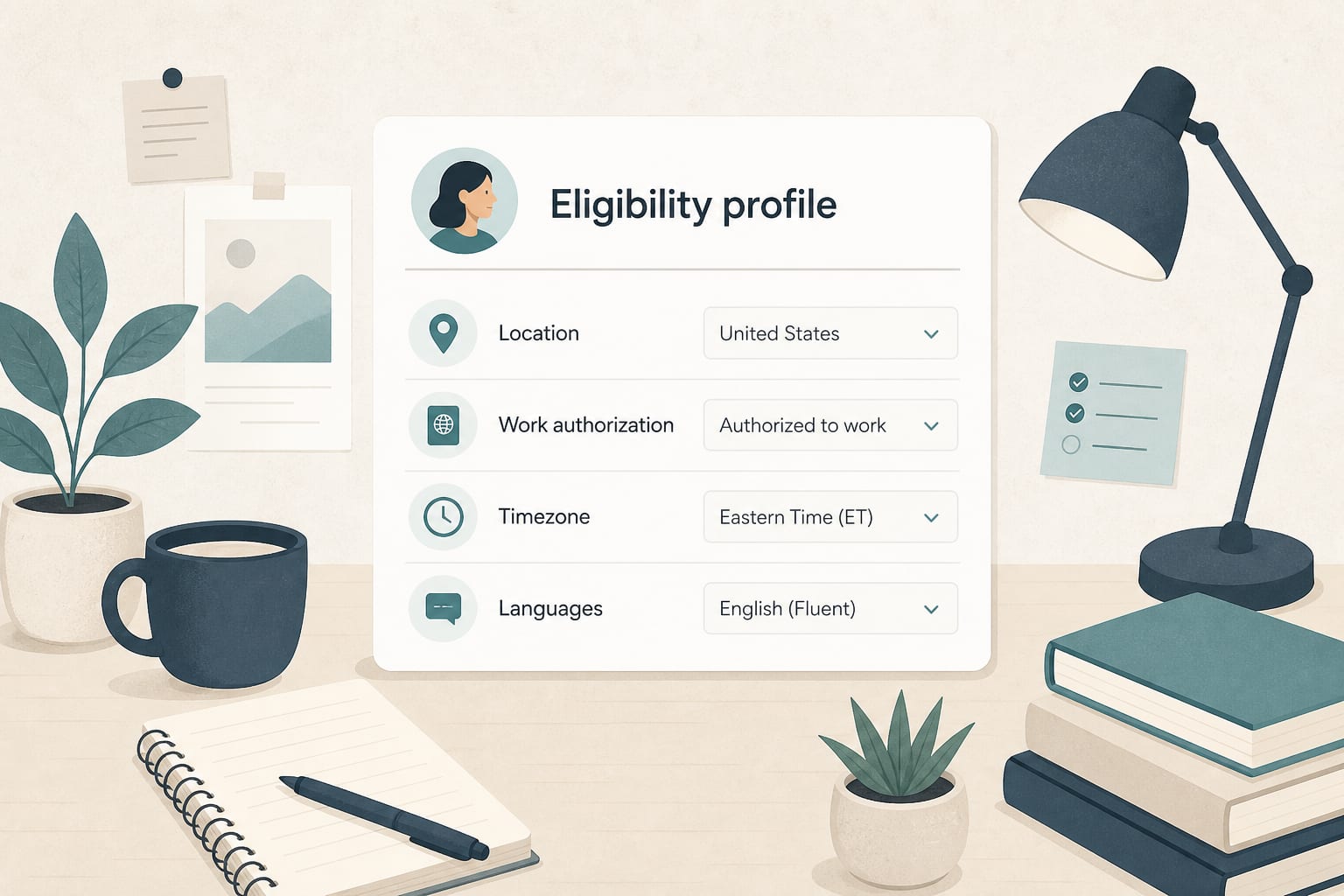
- Location (city / country free text you already use)
- Work authorization (e.g. authorized without sponsorship, EU/EEA/UK, US citizen/PR, sponsorship required)
- Timezone
- Languages (name + proficiency)
- Years of experience (inferred from experience dates and/or an explicit value when present)
Against the job text, CVWiser extracts requirements such as residency, “must be authorized to work,” language lines, timezone overlap, and minimum YOE, then compares them to your snapshot. You may see warnings like a possible location conflict or a sponsorship mismatch. Preferred and required lines can both surface; treat preferred as soft signal, not a hard stop.
If those profile fields are empty, eligibility may skip with nothing to compare. That is expected: the check is optional setup, not a silent always-on veto.
Where you see warnings
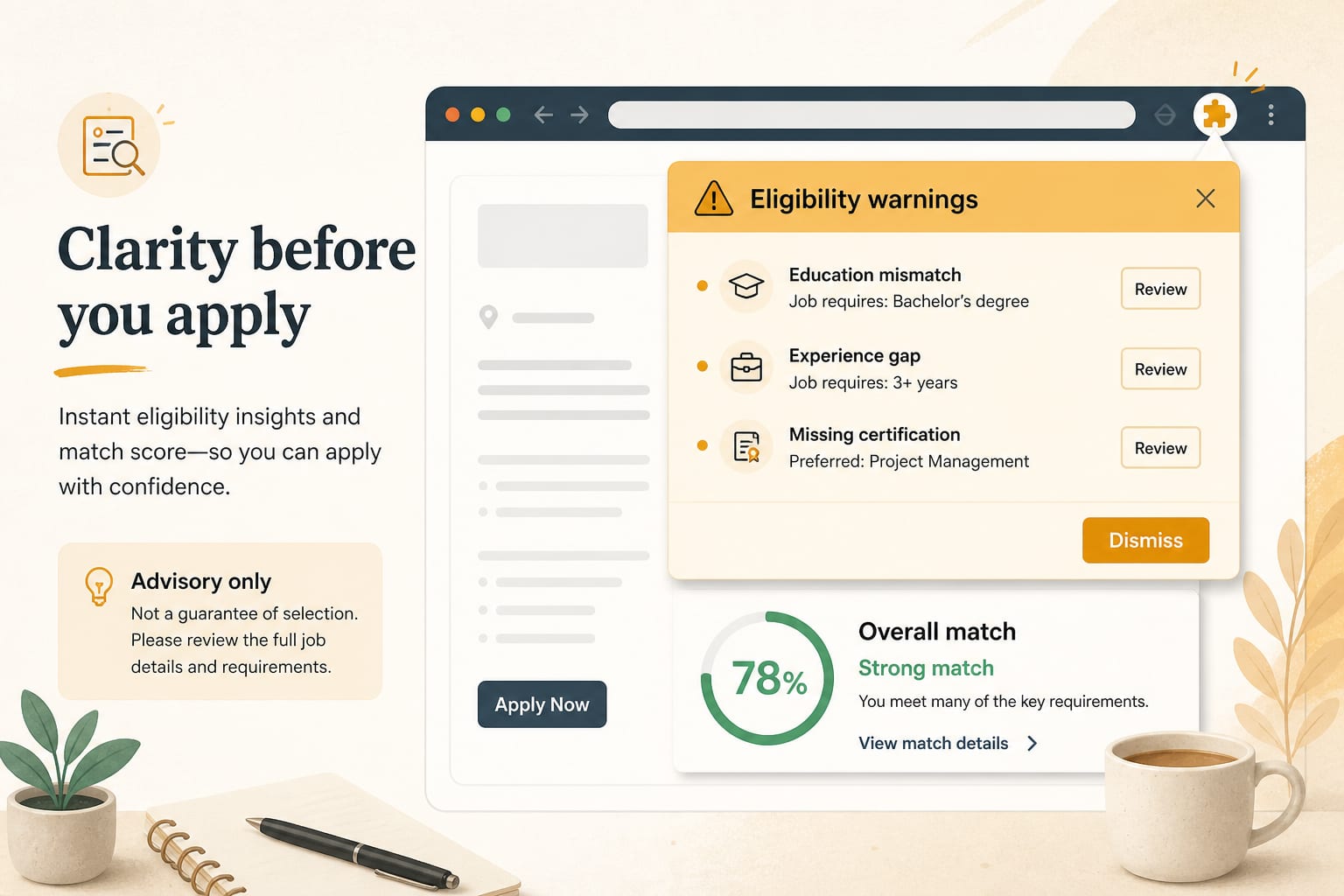
Chrome extension. After capture, review fields, then see eligibility warnings (when your profile is set up) above the match score. Preview does not spend a package credit. Create a package only when the role is still worth it (extension guide).
Web package editor. Paste or open a job in the builder / job modal. The same advisory panel can appear before you generate. Dismiss if you already know the tradeoff.
Both surfaces share the same idea: flag early, stay dismissible, stay separate from skills match.
What eligibility is not
Be precise. This feature is not:
- Legal immigration or visa advice
- A claim that CVWiser certified you for a country’s work rules
- A blocker that prevents generate or export
- A merge into Trust Diff, consistency check, or match percentage
- Autofill of visa or location into your tailored CV
Package generate still cannot add employers, titles, dates, education, or new skill names. Eligibility does not invent a work permit for you. It only warns when the posting text and your saved profile look like they may conflict.
If you dismiss and apply anyway, that is your call. Many people apply to stretch roles on purpose. The product’s job is to surface the conflict before you burn a credit on a package you would never send (quality vs quantity, remote job eligibility traps).
How to use it in a real search
- Complete eligibility fields on Profile once, then keep them current when you move or change status.
- Capture or paste the full JD, not a truncated LinkedIn teaser, so location and visa lines are in the text.
- Read warnings first, then the match score. A 80% match with “must reside in Madrid” and you live elsewhere is still a hard gate for many employers.
- Dismiss only when you understand the tradeoff (you will relocate, you already have the visa, the “preferred” line is soft, etc.).
- Then tailor, fact-check, and defend (tailor without lying, fact-check, Trust Diff, interview defense).
Format still matters after you decide the role is eligible: pass the copy-paste test so Workday, Greenhouse, Lever, Ashby, iCIMS, or Taleo can map your fields.
Where CVWiser fits
CVWiser is built for honest packages from a locked profile: capture the job, see eligibility warnings (when profile fields are set) and match score before a generation credit, then export a CV + cover letter you can defend. Warnings are advisory only. They never block package creation. Match remains directional for skills fit, not a certification against every employer’s parser or HR policy.
Free plan: 3 application packages a month, no card. Start a fresh package, update Profile, or install the extension. Broader thesis: what CVWiser is really fighting.
The short version
Skills match is not eligibility. Location, work authorization, language, timezone, and years of experience can kill an application that “scores well.” CVWiser flags possible conflicts as dismissible warnings above your match score. Fill the profile fields to enable checks. Treat warnings as advisory, not legal clearance. Then tailor only the roles you still intend to send.