CVWiser blog
Resume Keywords for ATS Without Stuffing
How to add job description keywords to your resume honestly: extract must-haves, place them in summary bullets and skills, skip tools you never used. Real match beats a fake score.
Resume keywords for ATS are the exact phrases recruiters and parsers look for: tools, titles, methods, and domain terms from the job description. Adding them only works when they describe work you can defend. Pasting the whole JD into Skills is stuffing, not optimization.
This is the how-to companion to keyword stuffing vs real match. Pair it with how to tailor without lying, skills section, and ATS resume checker. Your master profile is the only keyword bank that should grow permanently.
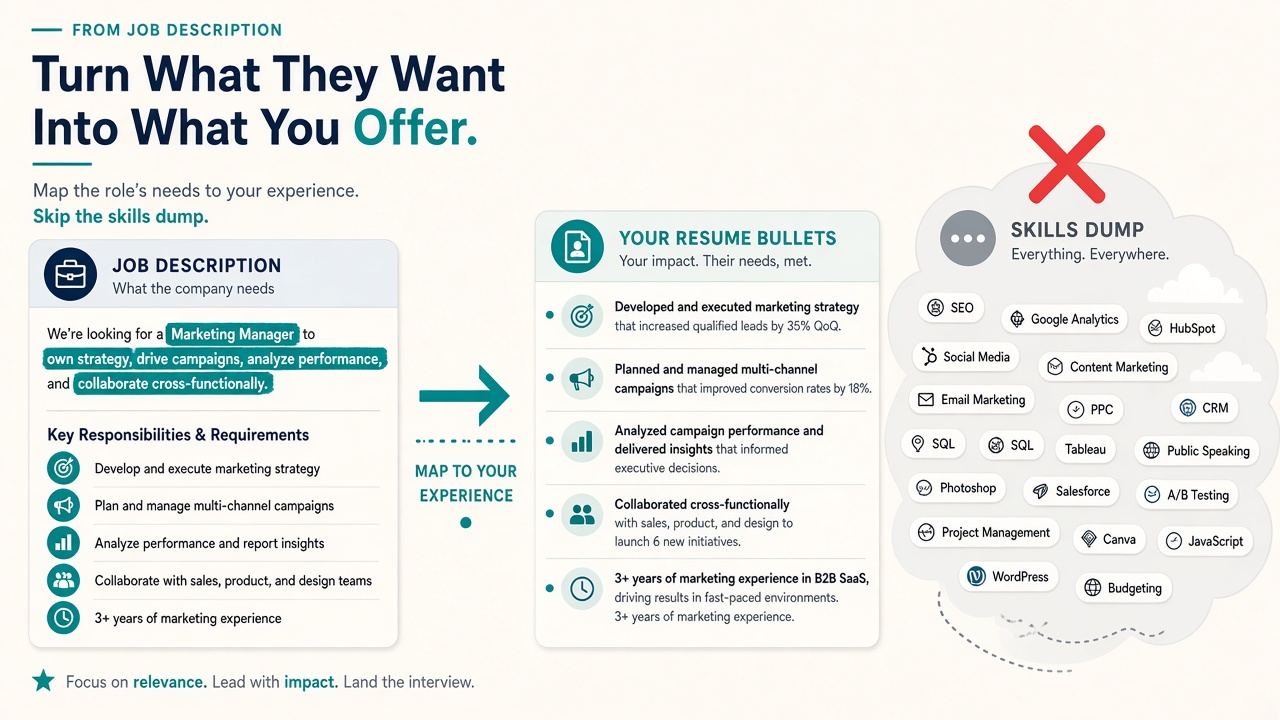
The short answer
- Scan 1 posting deeply (or 3–5 similar ones) and list repeating must-haves (2-minute JD scan).
- Keep only terms you earned. Missing a keyword you never used is allowed.
- Place keywords in context: summary, 1–2 bullets, then skills if needed.
- Use exact spelling from the posting when it matches your work (JavaScript not only “JS”).
- Fix parse before chasing match (ATS format checklist).
A lower honest score beats a 95% built on fiction (high score can still fail).
How to find resume keywords in a job description
Pull terms into three buckets:
| Bucket | Examples | Rule |
|---|---|---|
| Must-have tools / stack | Salesforce, Python, GAAP | Include only if you used them |
| Methods / responsibilities | stakeholder management, A/B testing | Rewrite existing bullets with true language |
| Soft / fluff repeats | “passionate,” “self-starter” | Skip unless you prove them in outcomes |
Scan the title, first requirements block, and repeated nouns. One-off words in “nice to have” are optional. Cross-check a few similar postings so you optimize for the role, not one odd posting.
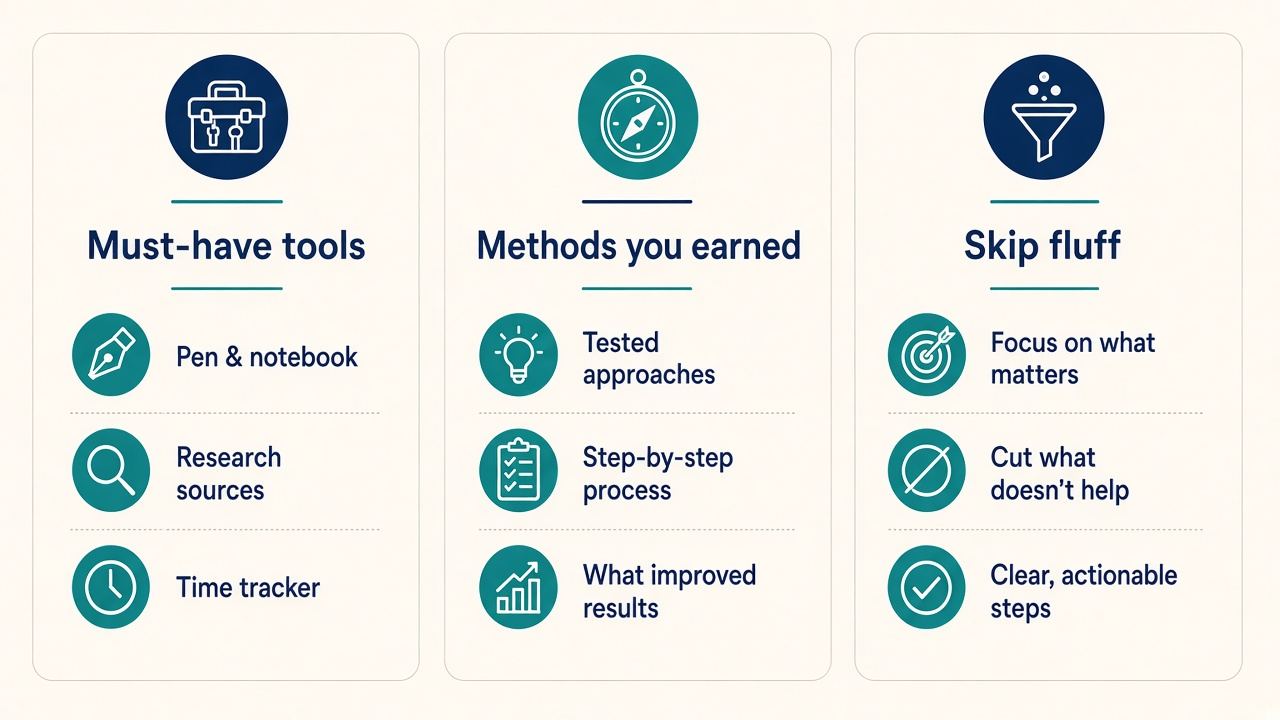
Where to put keywords (without stuffing)
1. Summary (2–3 sentences)
Open with the target title and 2–3 real strengths that match the posting (summary without fluff).
2. Experience bullets
Best place for ATS and humans. Shape: action + keyword in context + result you can defend (quantify without inventing).
3. Skills section
Short list of tools and methods you would discuss in an interview. Not a 40-item cloud copied from the JD.
4. Headings (optional)
Standard headings parse. Do not invent gimmick section titles to hide keywords.
Aim for natural use: critical terms often appear once in summary or skills and again in a bullet. Ten forced repeats of the same phrase is stuffing.
Before / after
Before (stuffed): Skills: Kubernetes, Docker, Terraform, Kafka, GraphQL, Rust, Go, … (18 tools from the JD you never ran in production).
After (honest): Skills: Python, Postgres, AWS (EC2, S3), CI/CD. Bullet: “Built Python batch jobs on AWS that scored churn risk nightly for ~40k accounts.”
Before: Summary that reads like the job posting paragraph.
After: Summary that uses 2–3 shared terms tied to your real scope, then bullets prove them.
Resume keyword optimization checklist
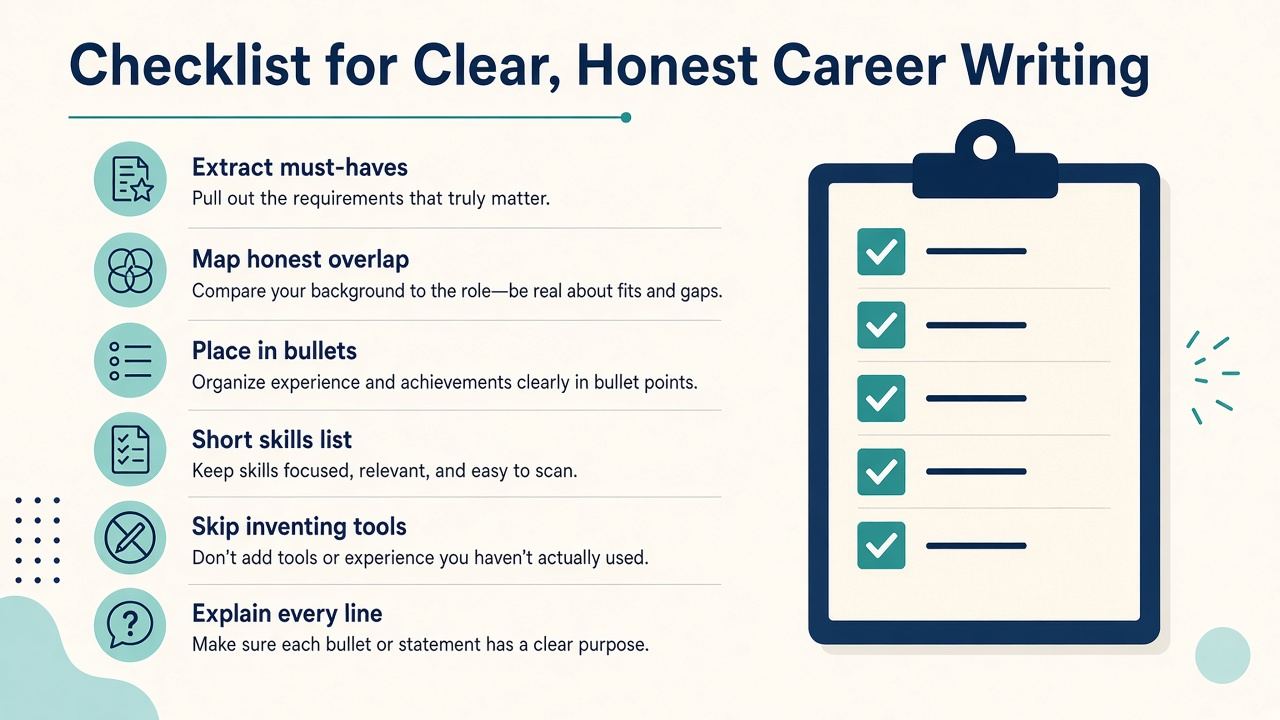
- Extract must-haves from this JD (or role cluster).
- Mark each: have / partial / do not have.
- Add “have” terms into bullets or skills in your words.
- For “partial,” use honest scope (“assisted,” “trained on”), not ownership you lacked.
- Leave “do not have” out. Do not invent skill names.
- Run copy-paste / parse test.
- Explain every new line in 60 seconds (interview defense).
- If you use a scanner, treat the score as a mirror, not a finish line (Jobscan vs CVWiser).
Where CVWiser fits
CVWiser match is directional for the posting you captured. Package generate can reframe summary and bullets and reorder skills you already saved. It cannot add employers, titles, dates, education, or new skill names, so it blocks the common “add missing keywords” invent move at generate time. Review Trust Diff and free-text metrics. Chat is less locked than generate.
Capture with the Chrome extension, see match before a credit, export, then upload. Free plan: 3 application packages a month, no card. Start a fresh package or install the extension. For builders that invent careers: AI resume builder that doesn’t invent. Thesis: what CVWiser is really fighting.
Frequently Asked Questions
What are resume keywords for ATS?
Exact tools, titles, methods, and domain phrases from the job description that parsers and recruiters search for.
How do I add keywords to a resume without stuffing?
Put earned terms in summary, bullets, and a short skills list. Do not dump the JD into Skills.
Should I copy keywords exactly?
When they match your work, yes. Include common acronym pairs when both appear (for example Search Engine Optimization (SEO)).
How many keywords should I add?
Focus on repeating must-haves you actually have. Quality of placement beats a long list.
Will a 90% Match Rate get me hired?
No. It is a proxy. Parse, honest overlap, and interview defense still decide.
The short version
Find the posting’s real must-haves. Map only what you earned into summary, bullets, and skills. Skip tools you cannot explain. Optimize for match you can defend, not a stuffed score.