CVWiser blog
Should I Put LinkedIn on My Resume? (2026)
Yes, if your profile is current and matches your PDF. Put a custom LinkedIn URL as text in the header. Skip the link until titles and dates agree.
Most recruiters will search you on LinkedIn whether you link it or not. The question is whether the URL on your resume helps or creates doubt.
Yes, put LinkedIn on your resume when the profile is complete enough to click, public enough to read, and aligned with the PDF on employers, titles, and dates. Leave it off (or fix it first) if the profile is empty, private, outdated, or contradicts the file you just uploaded.
This sits next to LinkedIn vs resume titles and dates, ATS format checklist, and Easy Apply. Your master profile is the ledger both surfaces should match.
The short answer
- Include the URL if LinkedIn is current and matches the resume on employers, titles, and dates.
- Use a custom URL (
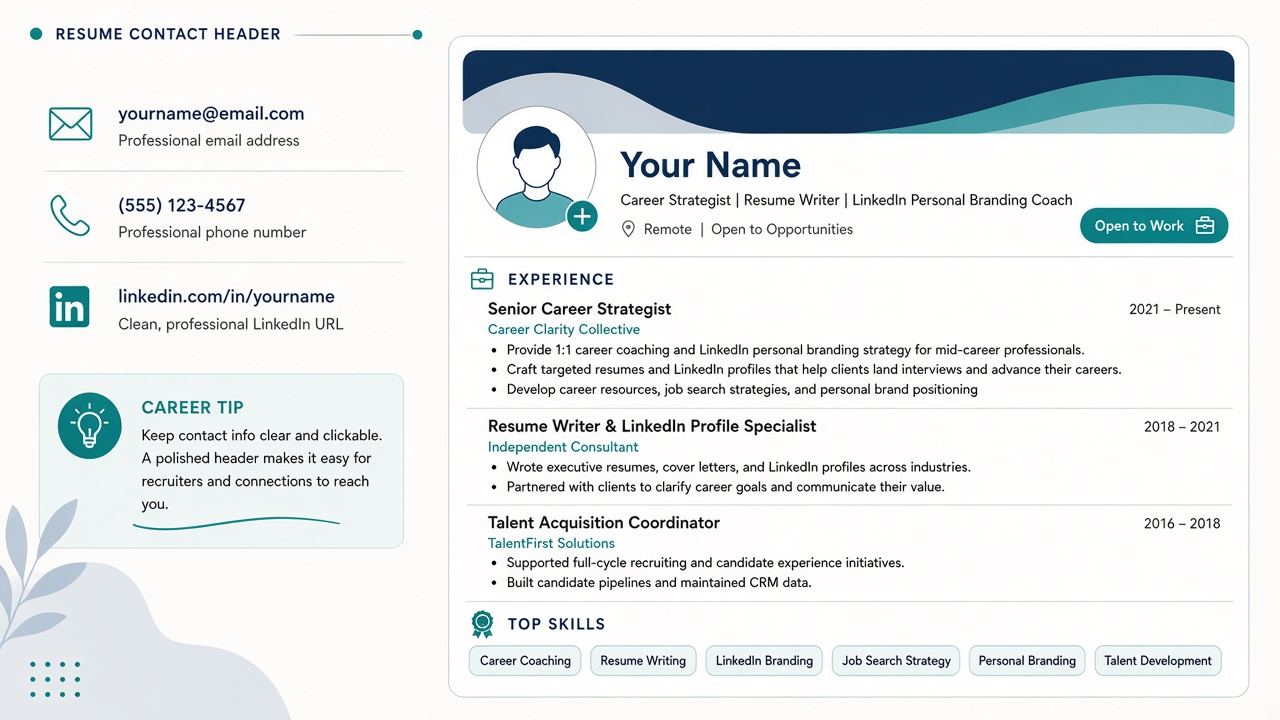
linkedin.com/in/yourname), not the random character string. - Put it as visible text in the contact header with email and phone. Icons alone often fail parse.
- Do not replace email or phone with LinkedIn. Recruiters still need a direct channel.
- Fix drift before you link. A stale or contradictory profile hurts more than no link.
When to include LinkedIn (and when not to)
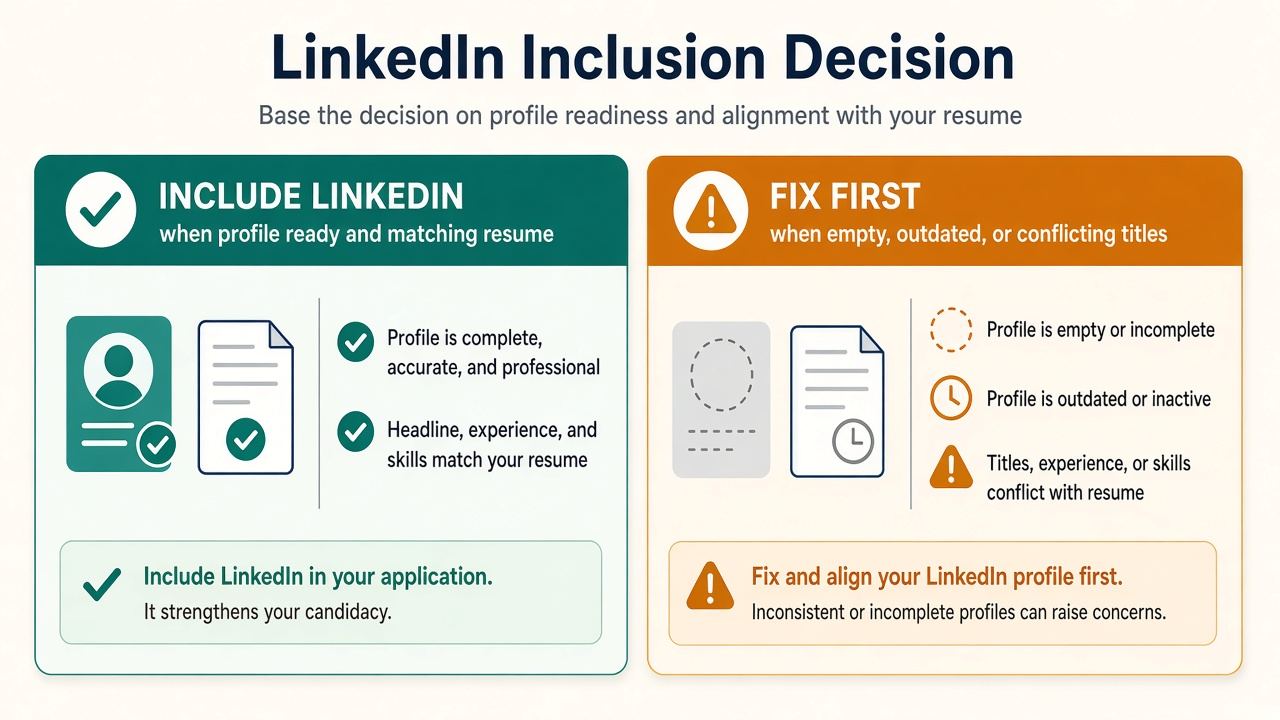
| Include LinkedIn | Wait / fix first |
|---|---|
| Profile complete: experience, education, skills | Empty About, missing jobs, no photo when peers expect one |
| Titles and dates match the PDF | PDF says Senior; LinkedIn says Analyst |
| Custom public URL works in an incognito window | Profile locked so recruiters see almost nothing |
| Extra proof: projects, certs, recommendations | Confidential search where a public profile burns you |
Recruiters cross-check. Mismatches look like carelessness or inflation (can recruiters tell you used AI).
How to add LinkedIn to a resume (ATS-safe)
- In LinkedIn, set a custom public URL (Settings → Edit public profile → Edit your custom URL).
- On the resume header, add one line of plain text, for example:
linkedin.com/in/yourname(https optional; stay consistent). - Place it with name, email, phone, city/region. Keep contact in the body, not only a header/footer graphic (ATS format).
- Skip QR codes and icon-only buttons for ATS uploads. Humans may like them on a print CV; parsers often miss them.
- Run the copy-paste test: select the URL in the PDF. If you cannot select it, neither can many ATS.
Before / after
Before: Resume header shows a LinkedIn icon only. Profile still says “Analyst” while the PDF says “Senior Analyst.” Dates off by a year.
After: Plain-text linkedin.com/in/janedoe in the header. Both sides say Analyst, 2022–Present. Bullets on the tailored CV differ; history does not.
Before: Default URL with a long hash. Profile half empty.
After: Custom URL after you finish experience and About, or no LinkedIn line until then.
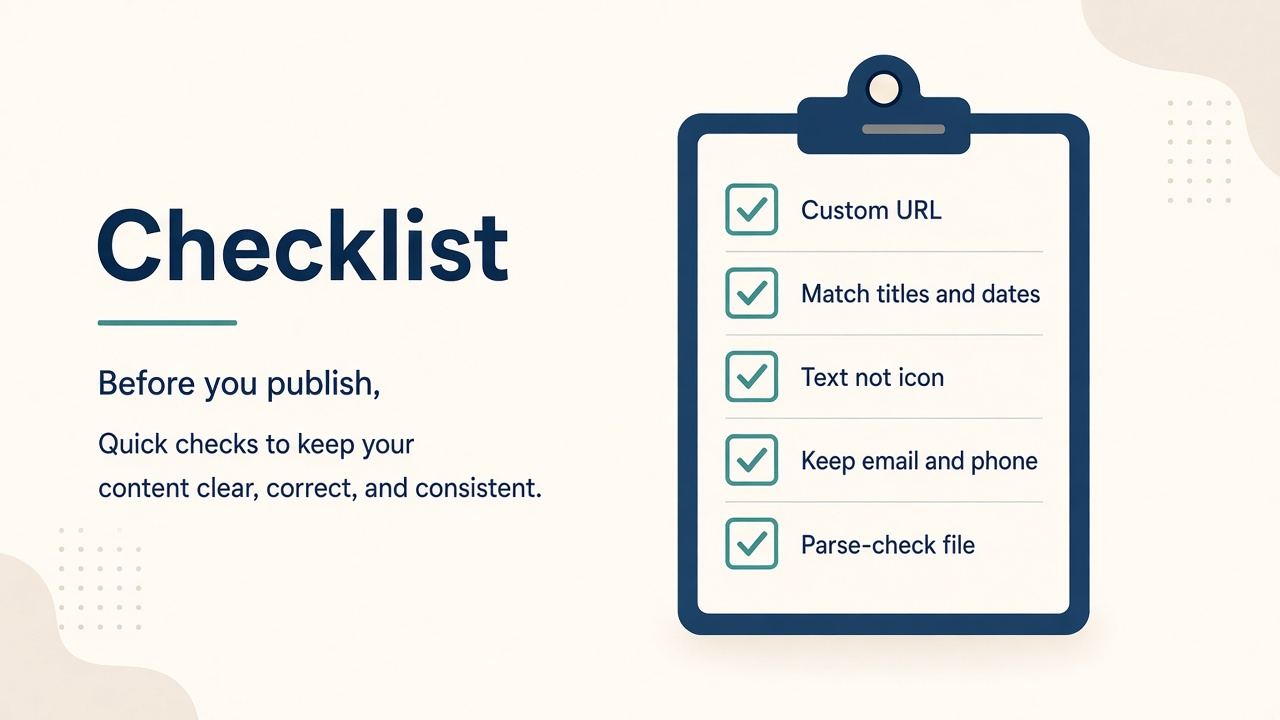
Checklist before you paste the link
- Open LinkedIn in a private window. Can a stranger see Experience?
- Side-by-side with the PDF: same companies, titles, date ranges (titles and dates sync).
- Custom URL short and readable.
- Contact block still has email and phone.
- File parses: single column, selectable text (PDF vs DOCX if unsure).
- Before Easy Apply, upload this export, not LinkedIn’s cached default (tailor first).
Where CVWiser fits
CVWiser keeps one master profile so the PDF you export and the LinkedIn you maintain can share the same employers, titles, and dates. Package generate cannot add employers, titles, dates, education, or new skill names, so the resume cannot invent a promotion your LinkedIn never had. Still review Trust Diff and fact-check. Chat is less locked than generate.
Capture a LinkedIn posting with the Chrome extension, see match before a credit, export, then upload that file. Free plan: 3 application packages a month, no card. Start a fresh package or install the extension. Broader thesis: what CVWiser is really fighting. For tools that invent careers, see AI resume builder that doesn’t invent.
Frequently Asked Questions
Should I put LinkedIn on my resume?
Yes, if the profile is ready and matches the PDF. Fix contradictions first, or leave the link off until then.
Where does the LinkedIn URL go?
In the contact header with email and phone, as selectable text.
Do I need a custom LinkedIn URL?
Yes. Short linkedin.com/in/yourname looks intentional and is easier to paste and parse.
Will ATS read my LinkedIn link?
More reliably as plain text than as an icon or image. Format still has to parse.
Is LinkedIn enough without email?
No. Keep email and phone. LinkedIn is a second surface, not a replacement.
The short version
Put LinkedIn on the resume when it adds confidence. Custom URL, plain text, same career as the PDF. If the profile would raise questions, fix it before you link it.