CVWiser blog
Can Recruiters Tell You Used AI on Your Resume?
AI detectors are noisy. Recruiters catch fiction, JD-mirrored buzzwords, and lines you cannot explain. Here is what actually gives an AI resume away, and how to use AI without looking invented.
You used ChatGPT or an AI resume tool, hit export, and now you wonder: will they know? For the honest ChatGPT workflow itself, see how to use ChatGPT for your resume without lying.
Sometimes yes. Usually not because of a magic “AI detector.” Recruiters and hiring managers catch patterns that do not match a real career: inflated metrics, tools that only appear in the job description, polished bullets you cannot walk through, and a CV that disagrees with LinkedIn or the cover letter.
This post is the detection side of honesty. For the pre-send review, use how to fact-check an AI-tailored resume. For the call itself, use interview defense. Here: what people actually notice, what they do not, and how to keep AI as an editor instead of a fiction writer.
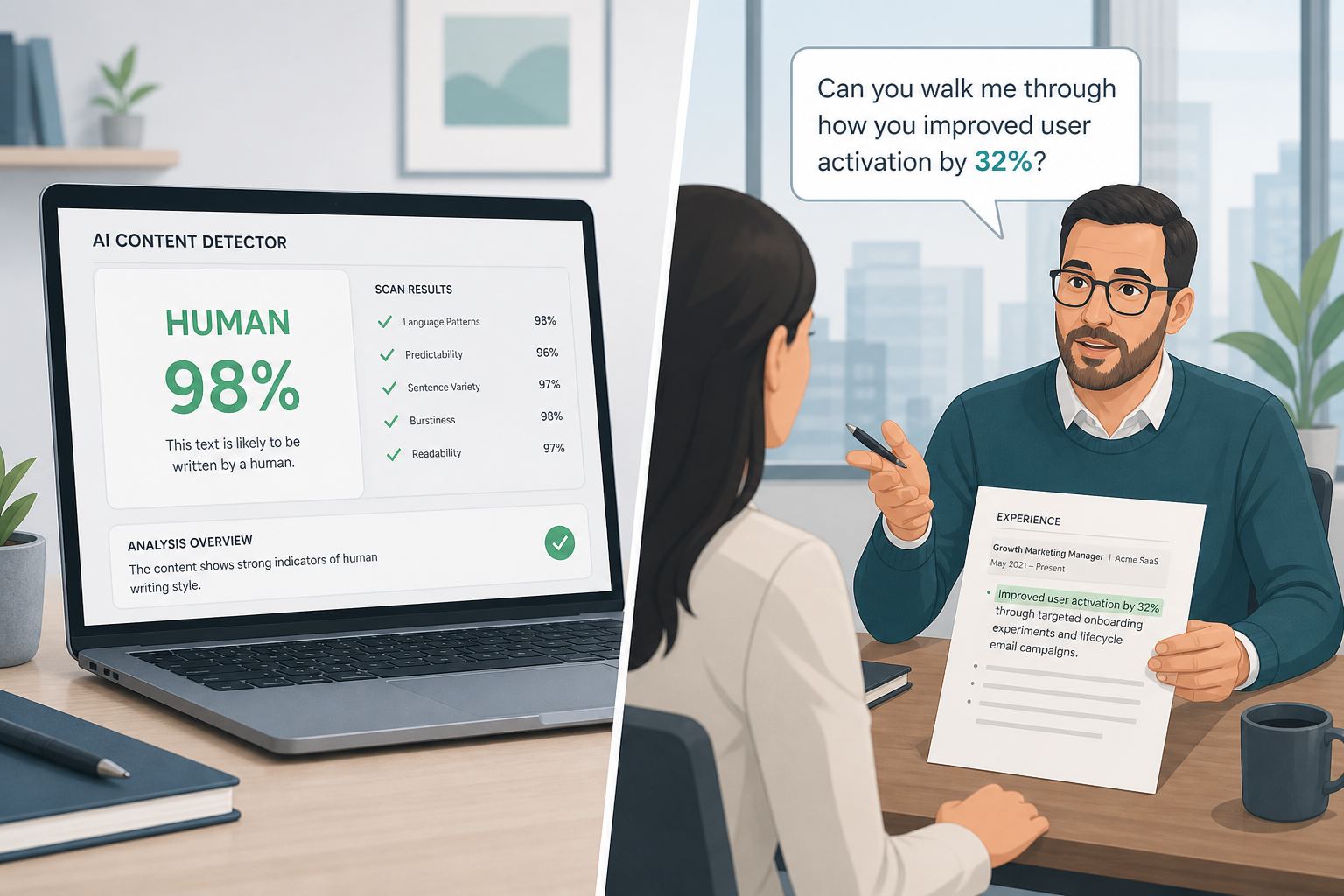
Detectors are the wrong fear
Browser extensions and “AI content checkers” sell certainty they do not have. They flag formal writing, short bullets, and common templates. They miss quiet inventions that sound human. Treating a green “human” score as clearance is the same trap as chasing a 95% Match Rate: the tool is not the hiring decision.
What hiring teams care about:
- Can they parse your file into Title, Company, dates (format checklist)?
- Does the story match the role without copying the JD wholesale?
- Can you defend every line in an interview?
If those three fail, nobody needs a detector. If those three pass, “this was drafted with AI help” is rarely the issue.
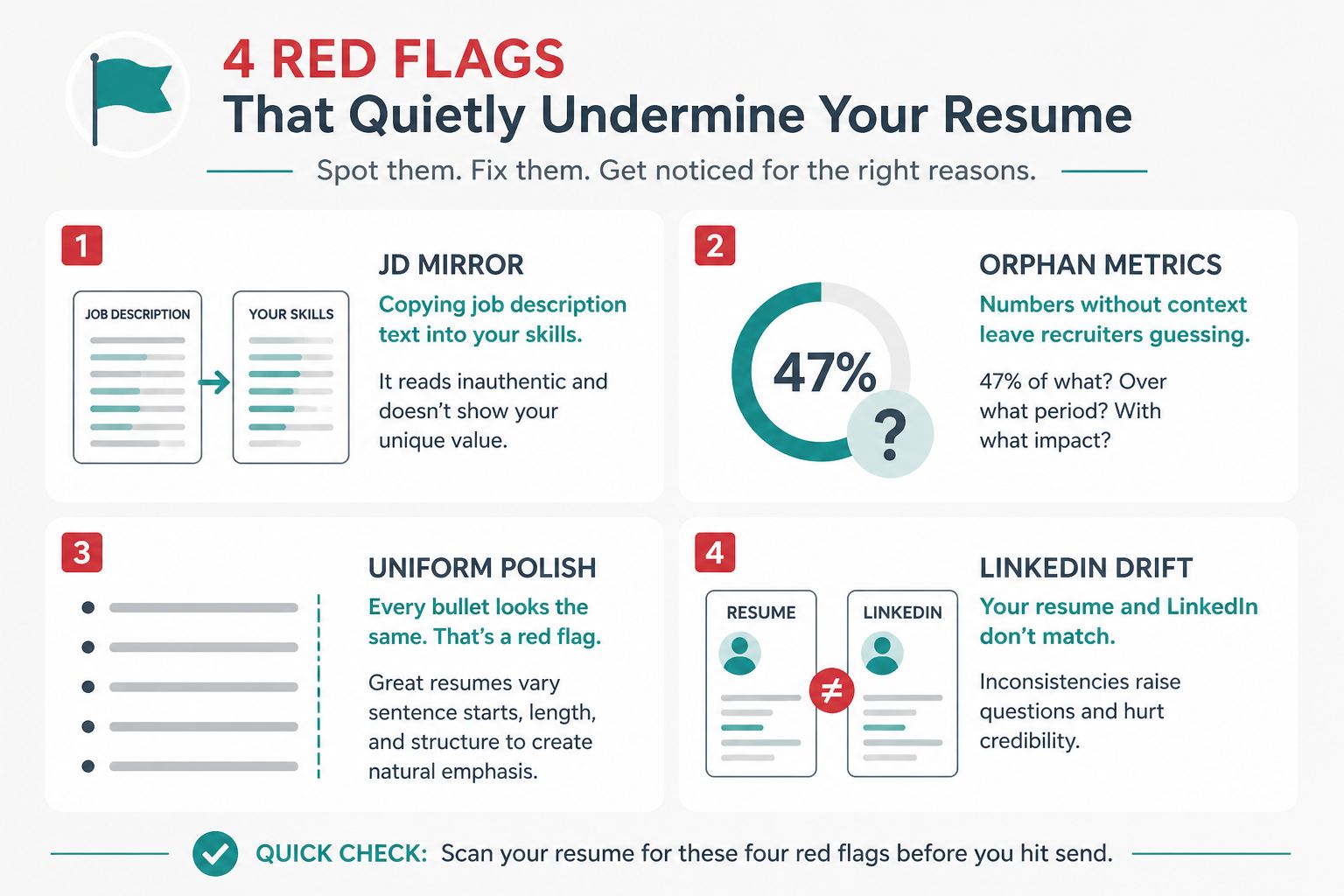
What actually gives an AI resume away
These are the tells. None of them require software labeled “AI detector.”
JD mirror. Your skills block and summary read like a lightly rewritten job posting. Tools you never used show up because the model (or you) filled gaps (keyword stuffing).
Orphan metrics. “Increased conversion 47%” with no baseline, no window, no role that could own that number. Prompts can discourage inventing exact numbers; free-text and chat edits still need your review (Trust Diff, quantify without inventing).
Uniform polish. Every bullet has the same rhythm, the same verb stack, the same “spearheaded / leveraged / orchestrated” voice. Real careers sound uneven in a good way.
LinkedIn and letter drift. Titles, dates, or claims disagree across CV, letter, and profile. Humans notice that faster than “AI tone” (consistency check, LinkedIn vs resume titles and dates).
Blank stare in the interview. You cannot explain a line in 60 seconds. That is the real detection method (interview defense).
What usually does not give you away
- Using AI to reorder skills you already have, or to tighten wording on real work
- A clean single-column layout that parses well
- Sounding clear and professional (that is not “AI”; that is editing)
- Saying you used tools to draft, if asked. Honesty about process rarely beats honesty about facts
Recruiters are not running a plagiarism hunt on every PDF. They are screening for fit and risk. Fiction is risk. Help with phrasing is not.
How to use AI without looking invented
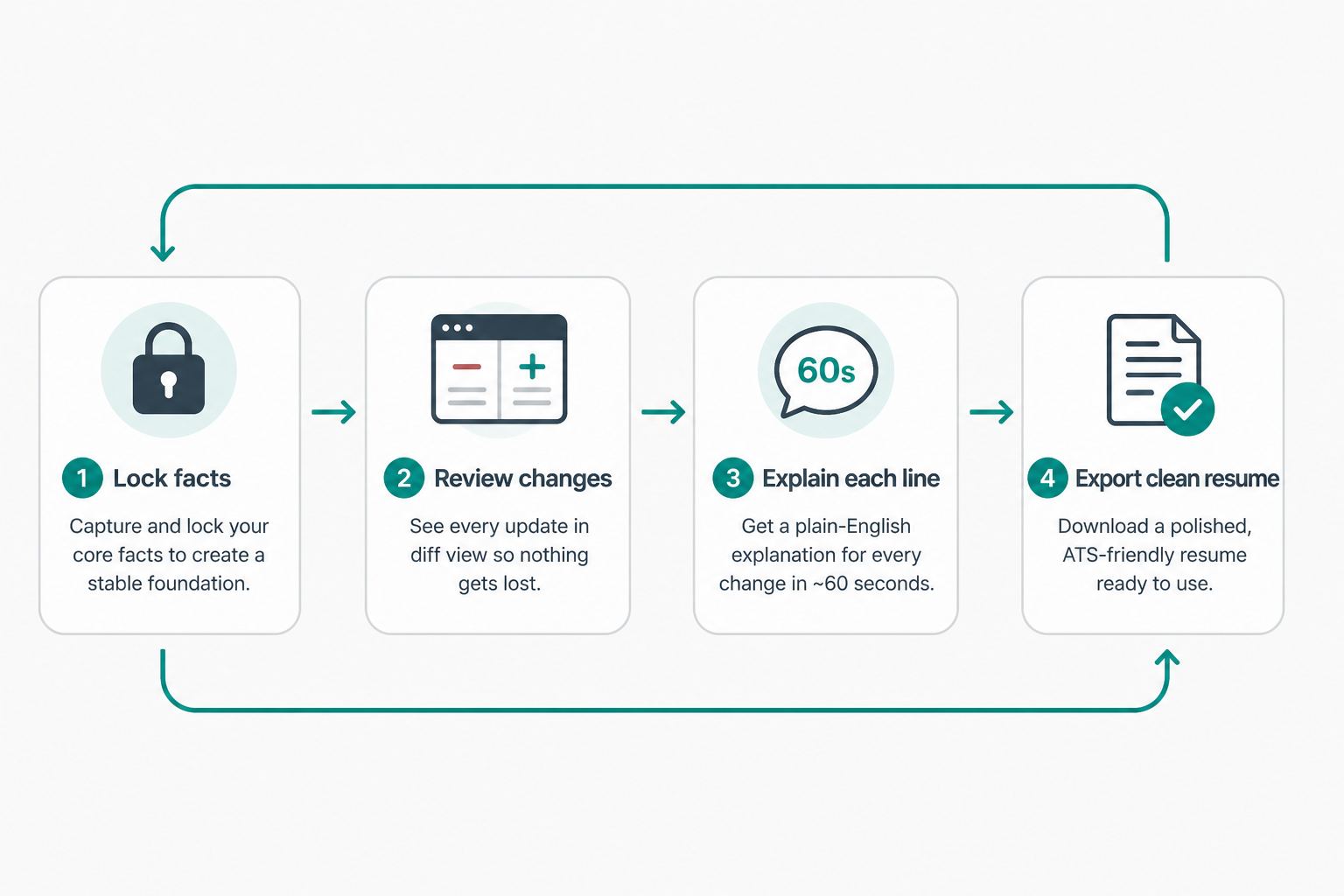
- Lock the facts first. Employers, titles, dates, education, and skill names stay yours. Tailor language you earned (how to tailor without lying).
- Review every change. Use a claim ledger or Trust Diff against your profile snapshot. Cut surprises.
- Run the 60-second test on every new or rewritten bullet and every number (interview defense).
- Align the letter if you attach one (consistency check). Cover letters invent projects just as often (AI cover letter guide).
- Parse-check the export before Easy Apply or an ATS upload. Format failures look like “bad candidate,” not “used AI.”
Where CVWiser fits
Package generate cannot add employers, titles, dates, education, or new skill names. It rewrites summary, refines bullets on existing roles, and reorders skills you already saved. Trust Diff shows wording and skill-order changes versus your profile snapshot. Consistency flags CV/letter mismatches before export. Prompts discourage inventing exact numbers; you still defend free-text metrics and anything you add in editor chat.
That is the product thesis in what CVWiser is really fighting: reduce invention at generate time, then make review cheap. Match from the Chrome extension is directional for the posting you captured, not a claim that a recruiter “won’t notice AI.”
Free plan: 3 application packages a month, no card. Try a fresh package. Compare approaches in CVWiser vs Rezi and Jobscan vs CVWiser.
The short version
Recruiters rarely “detect AI.” They detect claims you cannot defend, language that only exists in the job description, and documents that disagree with each other. Use AI as an editor on locked facts, review what changed, then explain every line out loud. If you cannot say it, do not send it.