CVWiser blog
How to Name Your Resume File (ATS + Recruiters)
Name your resume PDF so recruiters and ATS portals can find it: FirstName_LastName_Resume, role tags when useful, what to avoid, and Easy Apply tips.
You spent hours on the bullets. Then you upload Resume_final_FINAL_v7.pdf. Recruiters download dozens of files a day. A clear resume file name will not get you the job alone, but a messy one makes you harder to find in a folder, an email thread, or a shared drive after the ATS export.
This is a small ATS hygiene step next to the format checklist and PDF vs DOCX. Name the file like a professional asset, then make sure the content inside still parses and matches the posting.
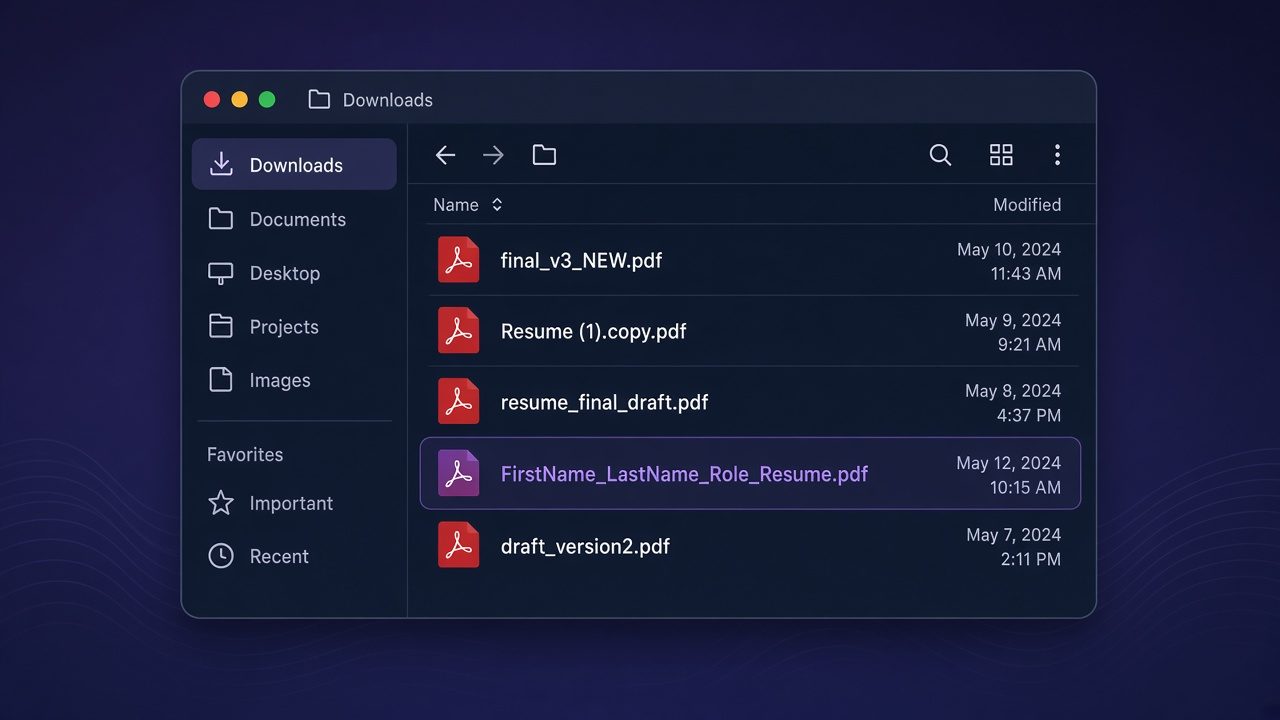
The short answer
- Default pattern:
FirstName_LastName_Resume.pdf(or.docxif the portal asks for Word). - Optional role tag when helpful:
FirstName_LastName_ProductDesigner_Resume.pdforFirstName_LastName_Acme_Resume.pdf. - Use letters, numbers, underscore or hyphen. Avoid spaces-only chaos, emoji, and
final_v3_(1). - Match the format the form requests (PDF vs DOCX).
- One clean file per application package. Do not keep sending
Resume_NEWafter every tiny edit without a real version story.
Why the filename matters
Most ATS portals store whatever you upload. Humans still open attachments from email, Slack, and shared folders. A recruiter searching “Morgan” should not have to open twelve files named CV.pdf.
Filename hygiene also pairs with Easy Apply and portal uploads (LinkedIn Easy Apply): the same readable name travels from your disk into their system.
It does not replace parseable layout, honest bullets, or job fit. A perfect name on a two-column broken PDF still fails (two-column ATS).
The pattern that works
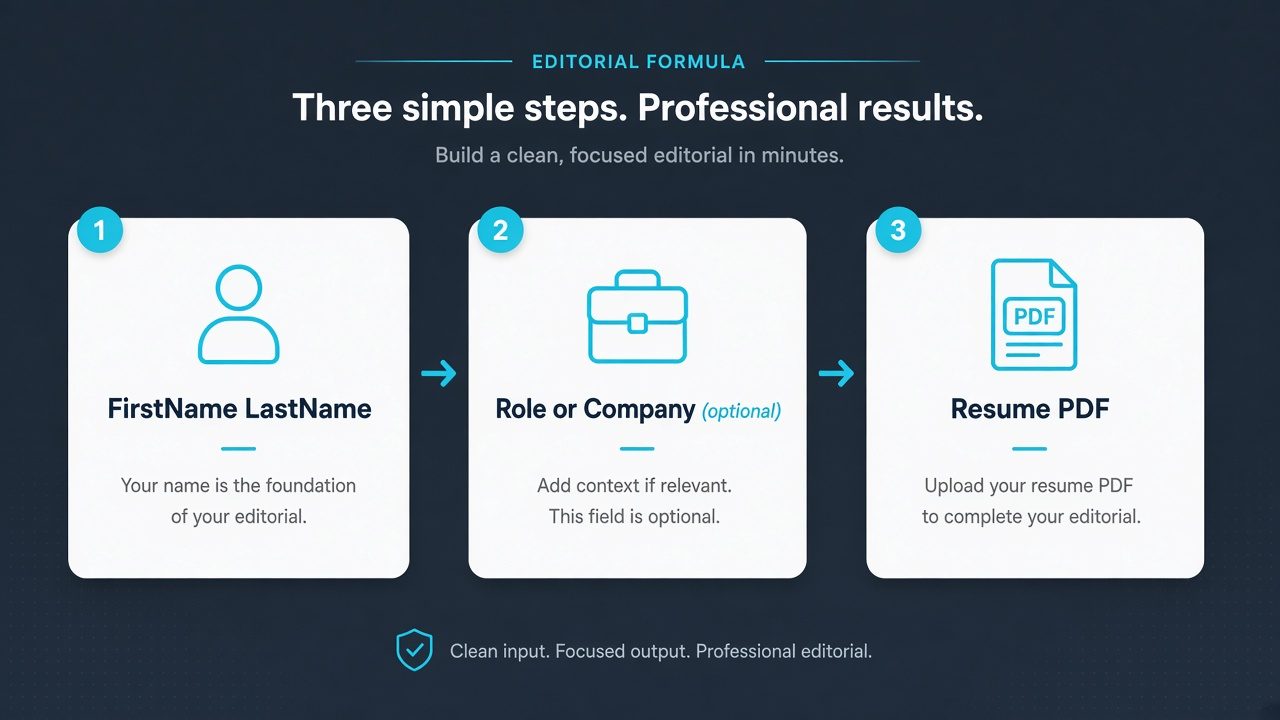
| Piece | Example | Notes |
|---|---|---|
| Your name | Alex_Morgan | Same order as the header on the CV |
| Separator | _ or - | Underscore and hyphen both fine |
| Document type | Resume or CV | Match local language (CV vs Resume) |
| Optional role | SeniorPM or Northwind | Only when it helps them sort |
| Extension | .pdf or .docx | Follow the portal |
Good examples
Alex_Morgan_Resume.pdfAlex-Morgan-CV.pdfAlex_Morgan_DataAnalyst_Resume.pdfAlex_Morgan_Northwind_Resume.docx
Weak examples
Resume.pdfMy_CV_final_FINAL2.pdfresume (1).pdfAlex Morgan résumé 🔥.pdf(spaces + special characters invite download pain)Document-from-iPhone.pdf
Rules of thumb
Keep it under ~50 characters when you can. Long paths plus long names get truncated in some systems.
ASCII-first for international portals. Accents in your legal name can stay on the PDF header; the filename can use a simplified spelling if uploads fail.
No “confidential” or salary in the name. That belongs nowhere on the filename.
Per-job packages get per-job names when useful. If you tailor for Acme, Alex_Morgan_Acme_Resume.pdf helps you and them keep packages straight. Inside CVWiser, the package is already tied to the job; the download name should still be human-readable.
Photos and design fluff do not belong in the filename either. Keep the file text-first (resume photo).
Checklist before you upload
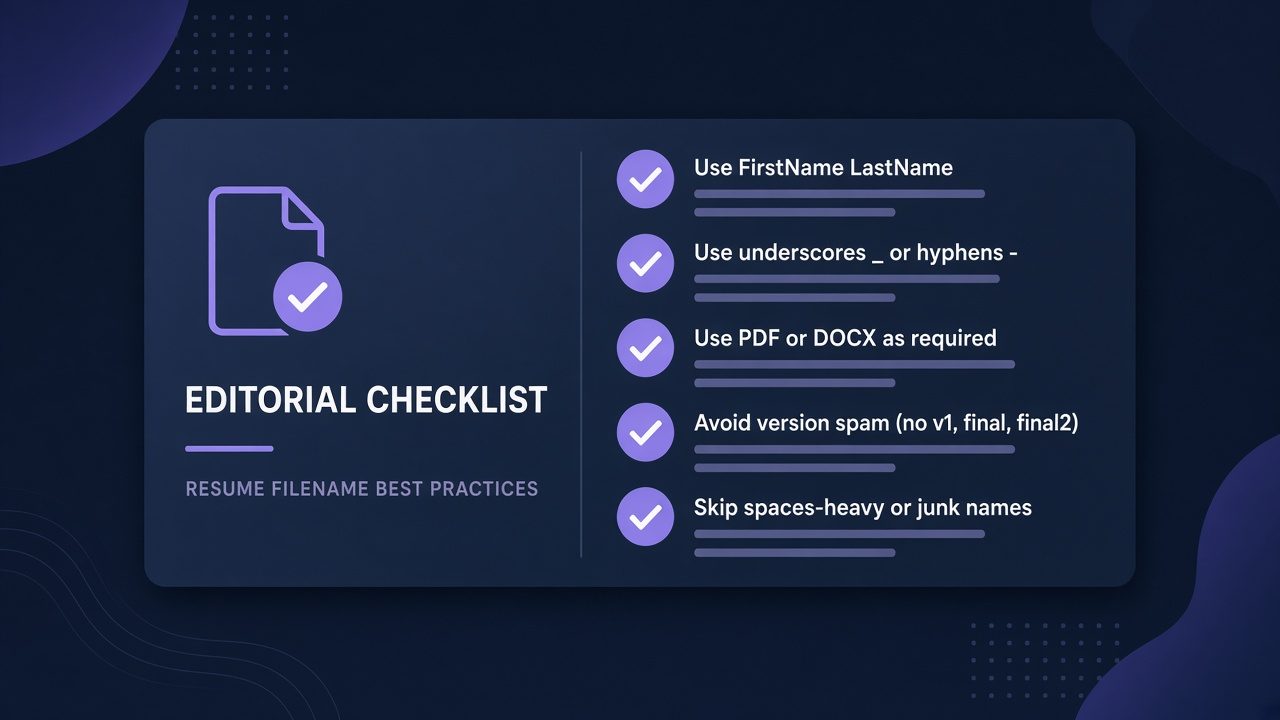
- Starts with your first and last name
- Says Resume or CV
- Uses
_or-, not a pile of spaces and copies - Extension matches the portal (PDF or DOCX)
- No
final,NEW, or(1)spam - Content still passes the copy-paste test
Where CVWiser fits
CVWiser builds a tailored package from your master profile, then exports a parse-friendly PDF or DOCX. Generate cannot add employers, titles, dates, education, or new skill names. After download, rename the file with the pattern above before you upload to the employer portal or Easy Apply.
Capture the posting with the Chrome extension, tailor, export, rename, upload. Free plan: 3 application packages a month, no card. Start a fresh package or install the extension. If silence continues after clean uploads, run the diagnostic in why you’re not getting interviews. Thesis: what CVWiser is really fighting.
Frequently Asked Questions
How should I name a resume file?
FirstName_LastName_Resume.pdf is the safest default. Add a short role or company tag when it helps sorting.
Does the resume PDF file name affect ATS ranking?
Not like keywords do. It still matters for humans and for finding your file after download. Focus keywords inside the document (keywords without stuffing).
Should I put the job title in the resume filename?
Optional. Useful when you apply to several roles in one week. Keep it short.
What should I name my resume for Easy Apply?
Same pattern. LinkedIn and employer ATS both store the upload name. Keep it clean (Easy Apply ATS).
Is CV or Resume better in the filename?
Match the market language. US-heavy searches often use Resume. Many other markets use CV. Consistency with the document header helps.
The short version
Name the file with your real name plus Resume or CV. Use underscores or hyphens. Drop version spam. Match PDF or DOCX to the form. Then make sure the document inside is parseable, honest, and tailored.